

A free Morse code practice app designed to help you learn and improve your CW skills using the Koch method and other training techniques. Completely offline with no ads, no tracking, and no data collection. Optional upgrade to PRO-version to support the development of this app and get access to a few more features.
Features
Koch Method
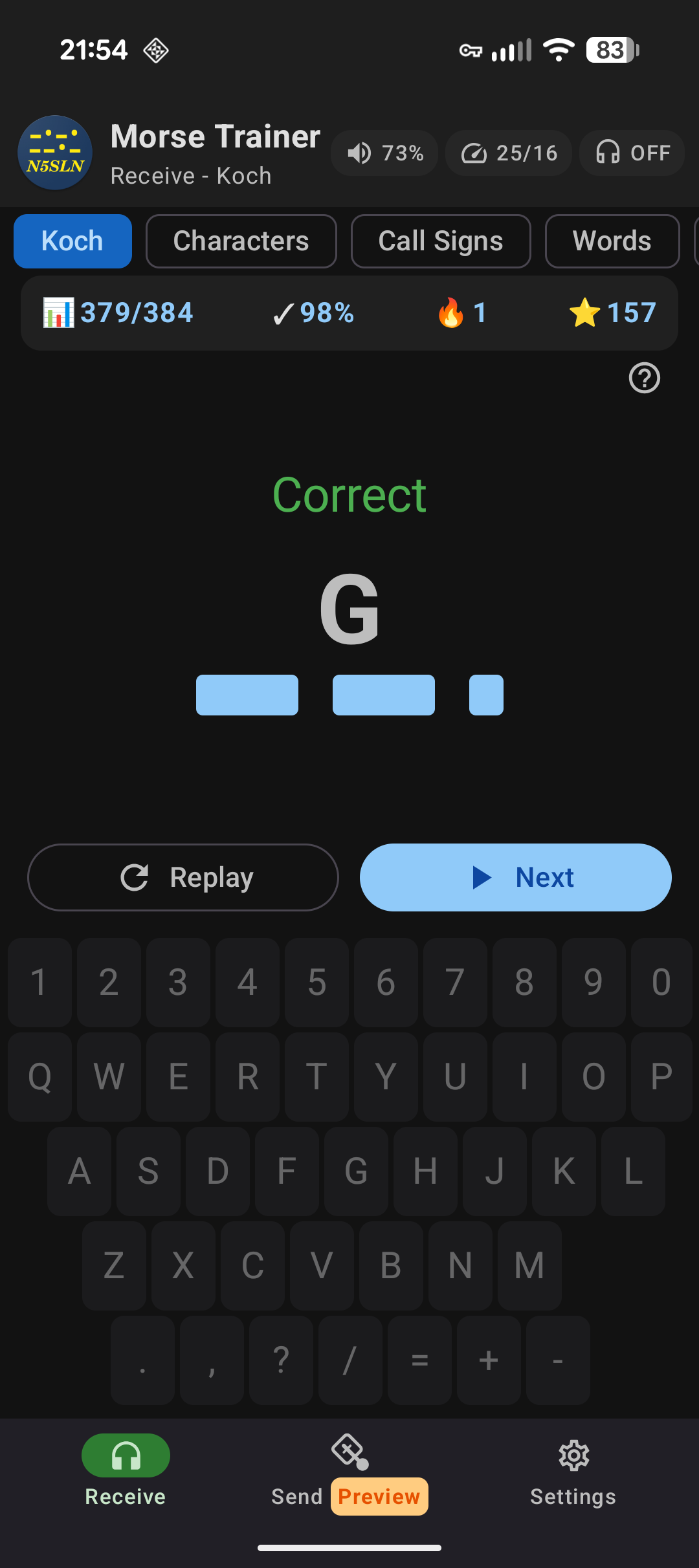
Learn Morse code progressively with the proven Koch method. Start with just two characters (K and M) and unlock more as you improve. Supports both G4FON and LCWO character orders.
Character Practice
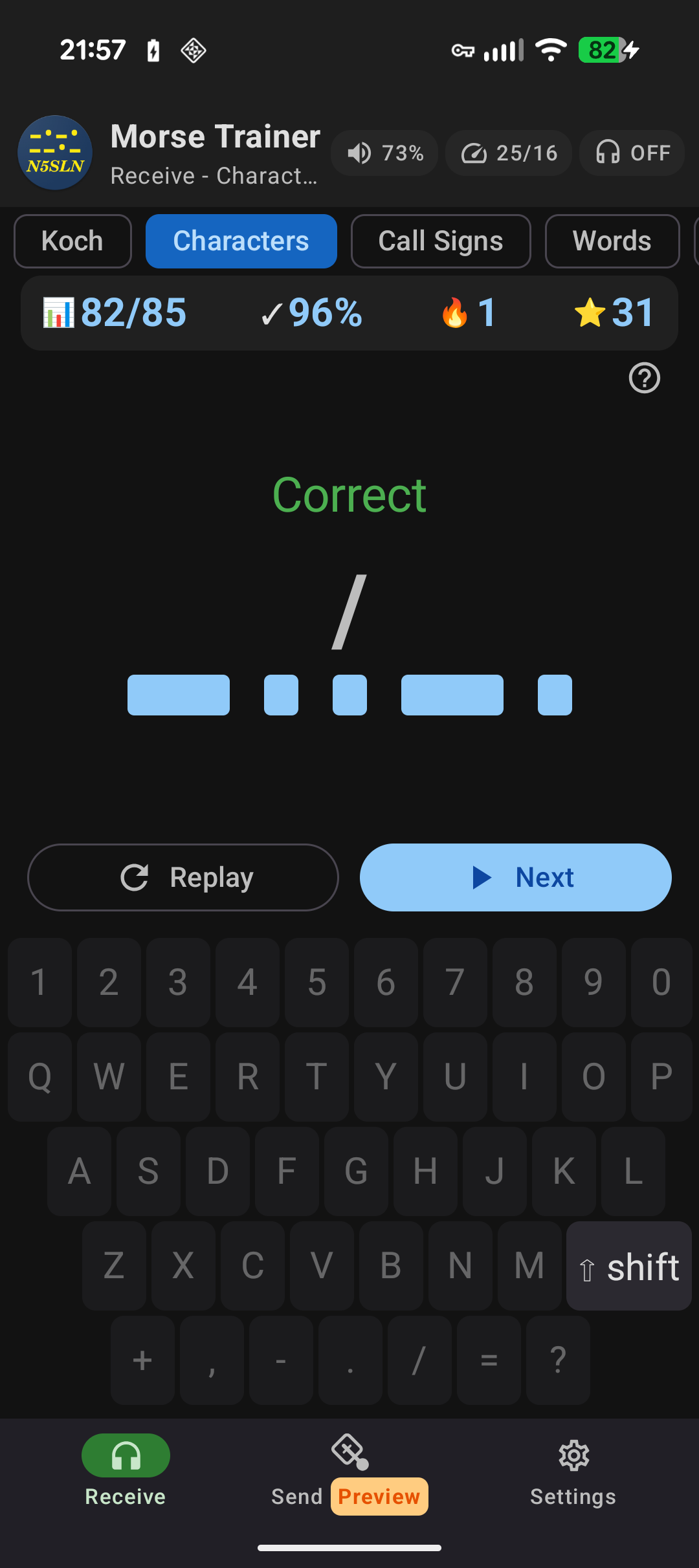
Practice individual letters, numbers, and punctuation with customizable character sets. Choose exactly which characters to include in your practice sessions.
Prosigns
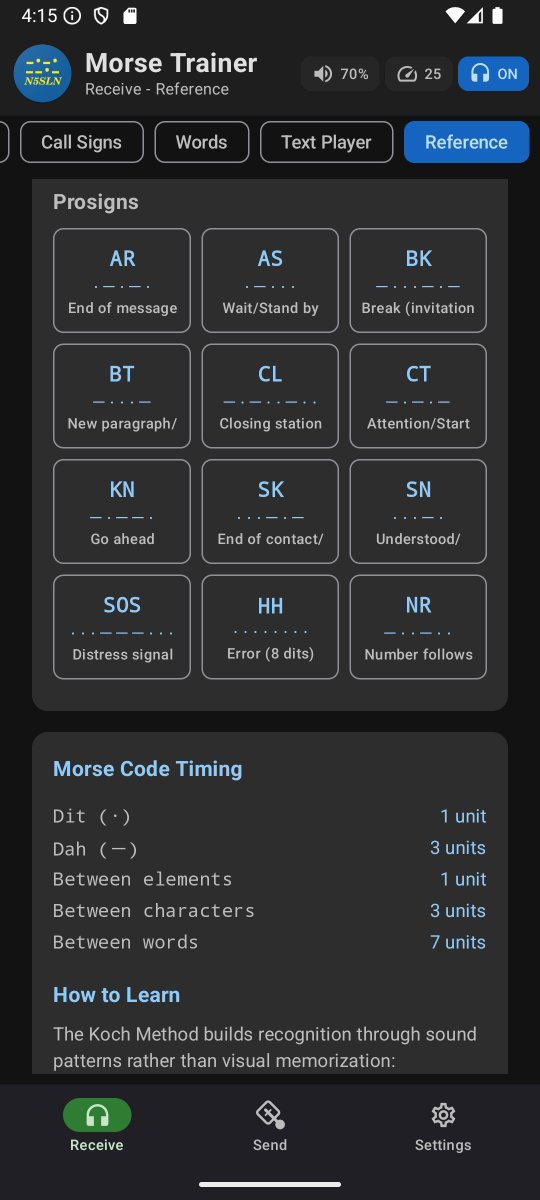
Hear and learn to recognize prosigns like <BK>, <SK>, and <AR> as single sounds. Practice prosigns in Character mode or listen to prosigns in the text player that will recognize common prosigns when they are entered in <>.
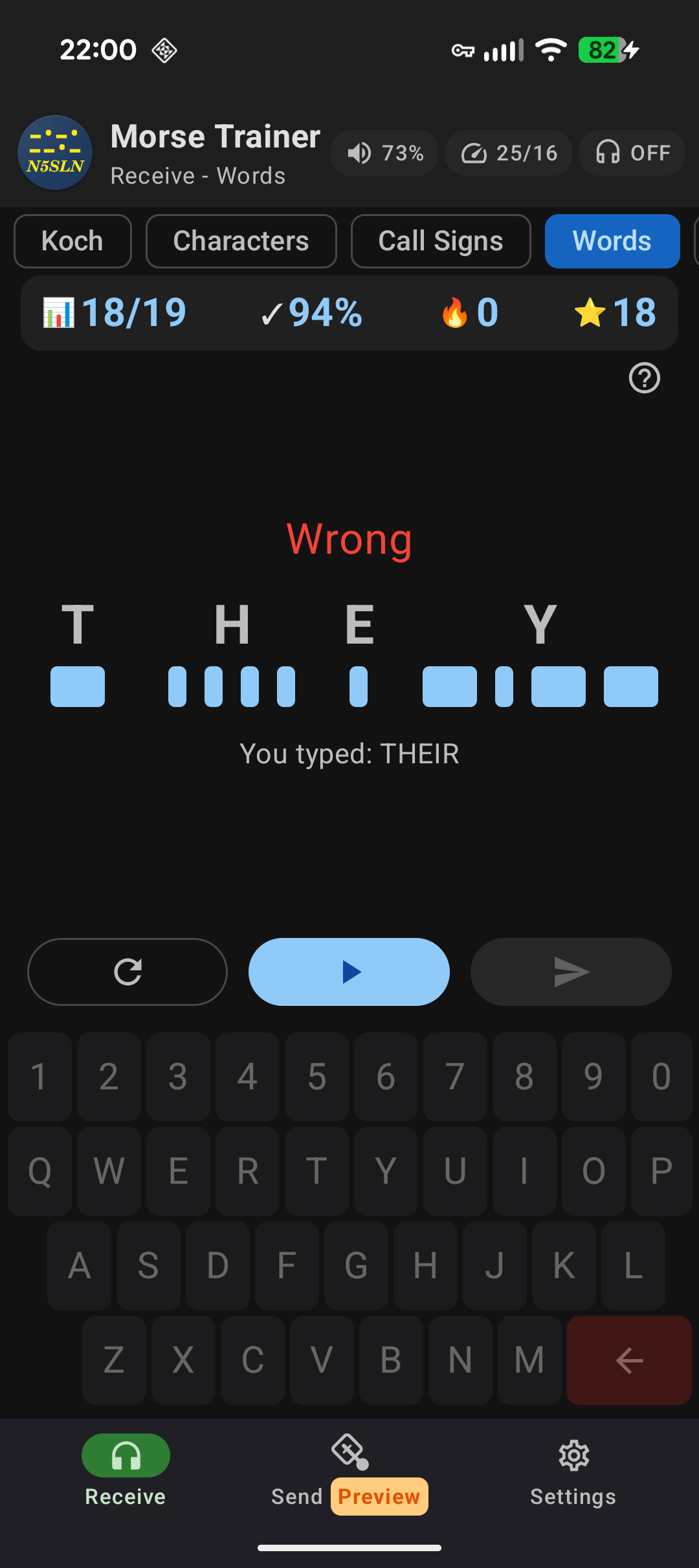
Call Sign Practice
Practice copying amateur radio call signs from 33 countries, including the US (all 6 formats), Canada, UK, Germany, Japan, Australia, and many more."
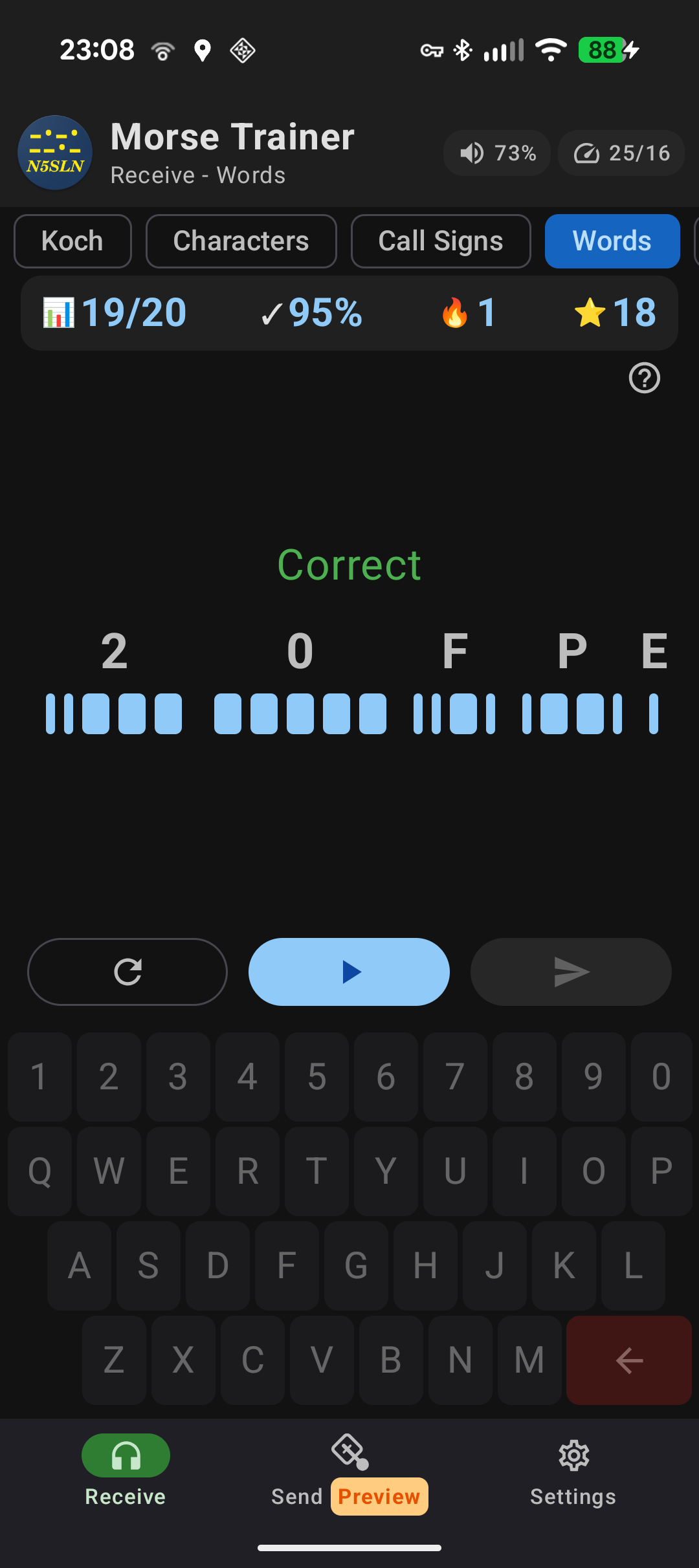
Words - Random Groups
Practise copying text in random groups between 2 and 9 characters long.
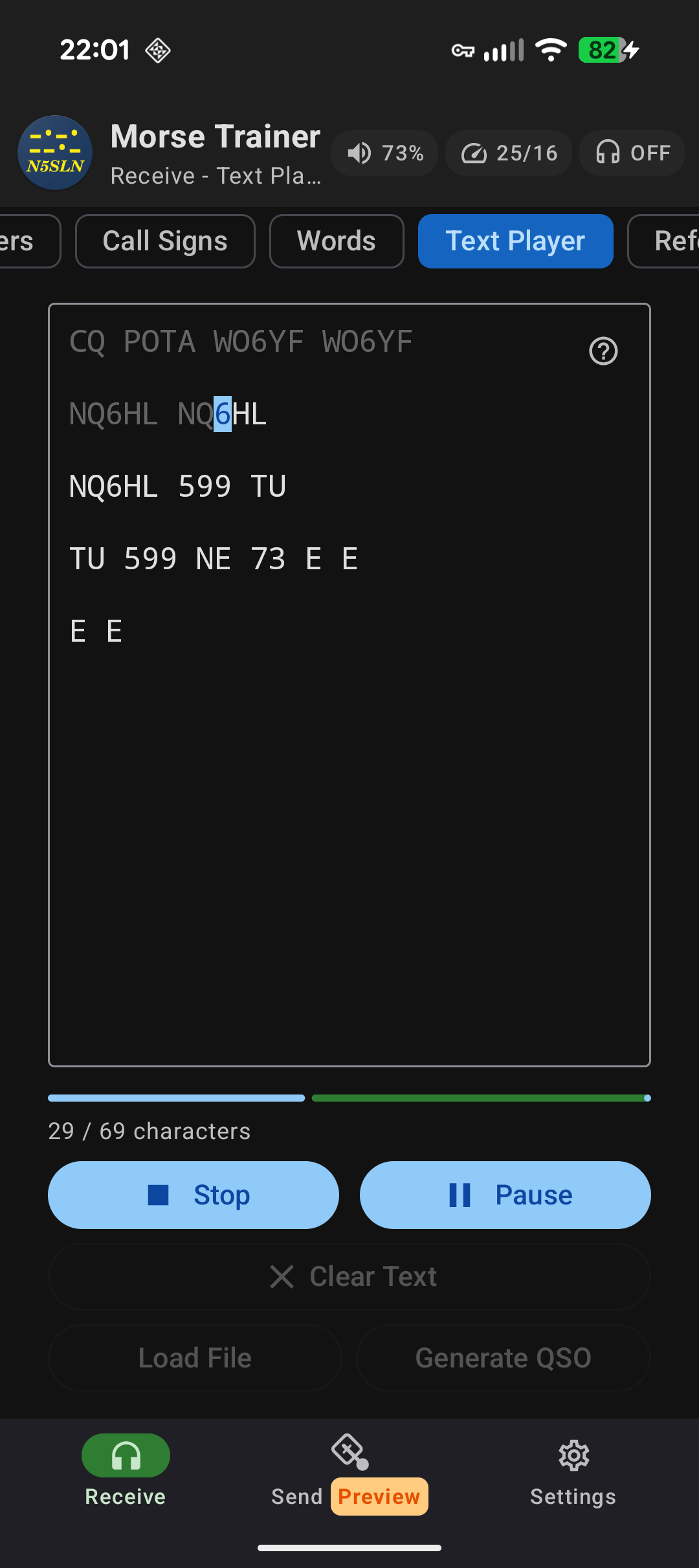
Text Player
Enter or paste any text and play it as Morse code. Full editing support — paste, text selection, and hardware keyboard shortcuts. Great for practicing copy of longer messages, QSO snippets, or any custom content.
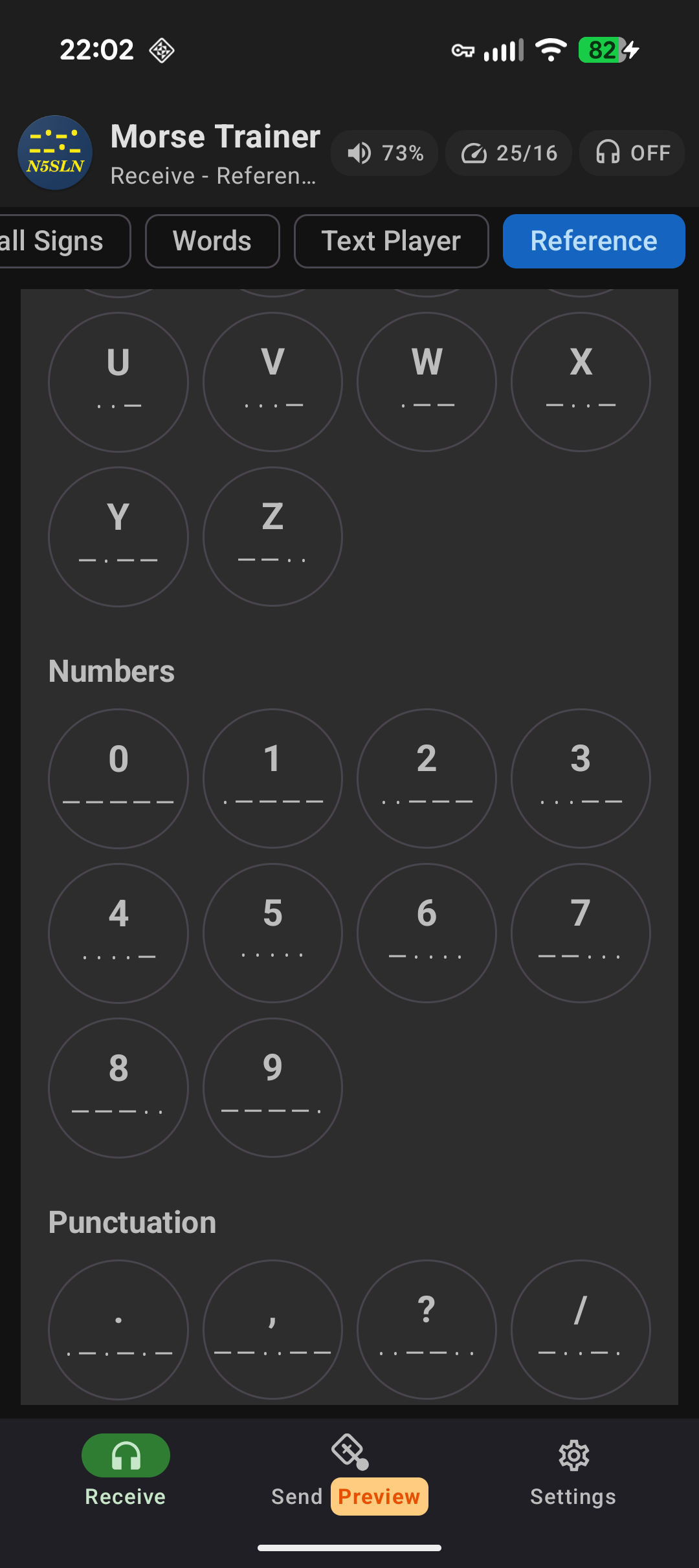
Reference Mode
Browse all Morse code characters and tap any to hear its sound. Useful for quick reference or self-directed study. Includes a section with learning tips and information.
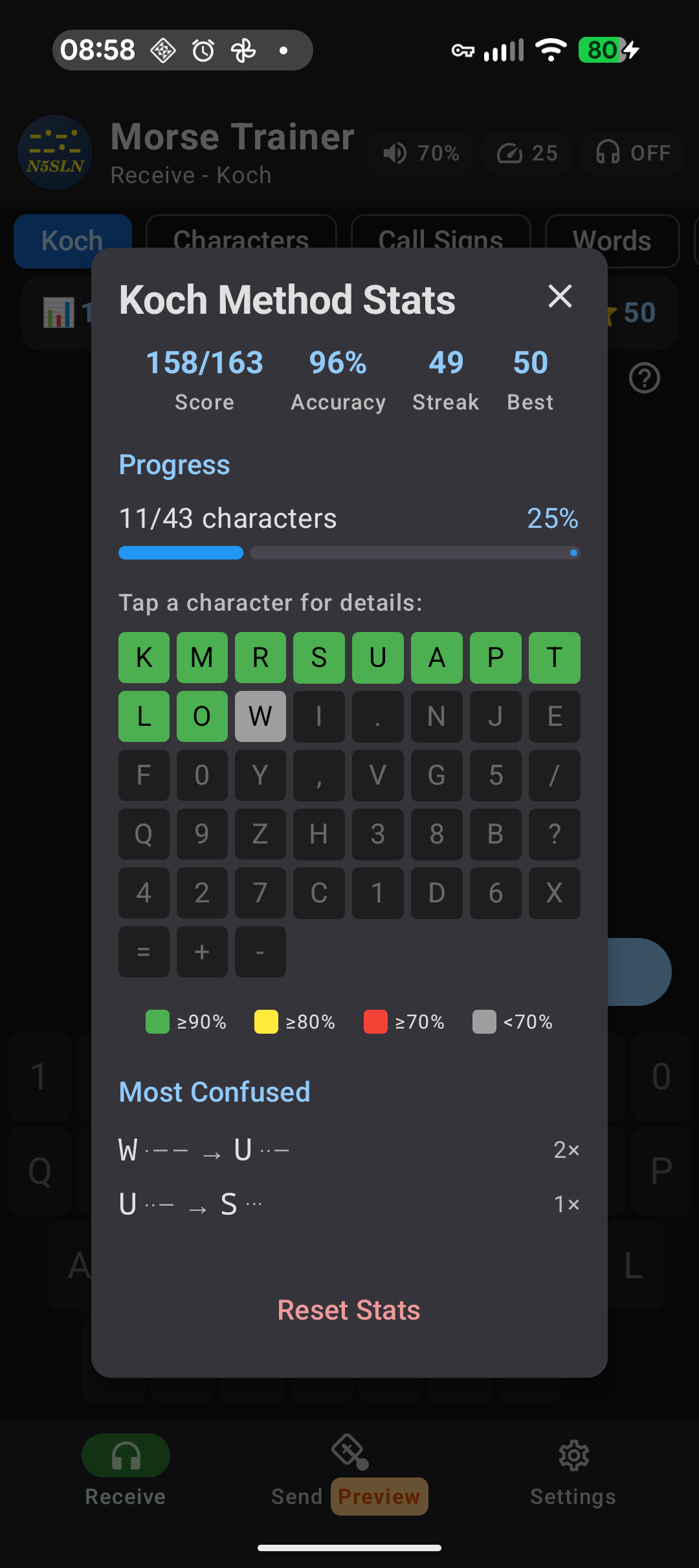
Detailed Statistics
Track your progress with per-character accuracy stats and color-coded performance indicators. See exactly which characters need more practice. Includes tracking of most confused pairs.
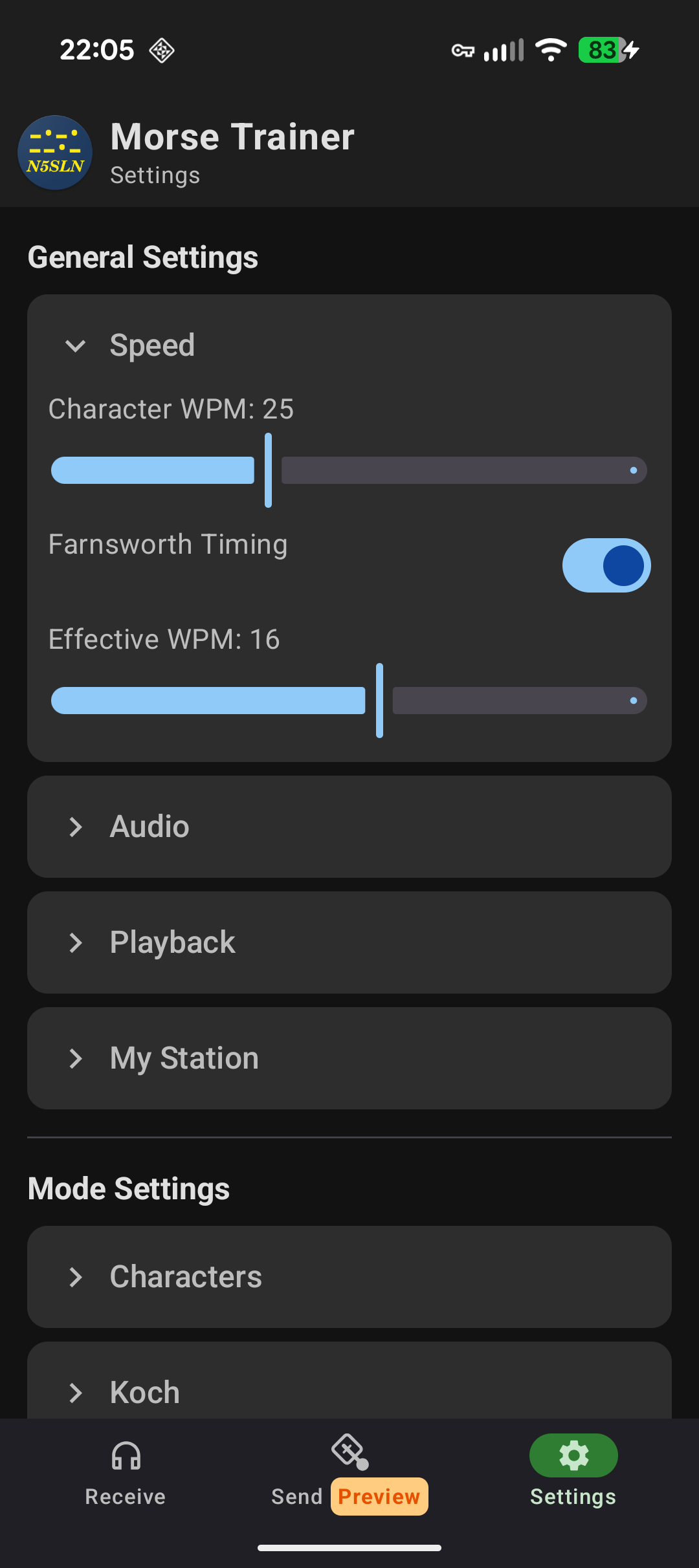
Farnsworth Timing
Adjustable character speed (5-25 WPM) and effective speed let you hear characters at full speed while having more time to process between them.
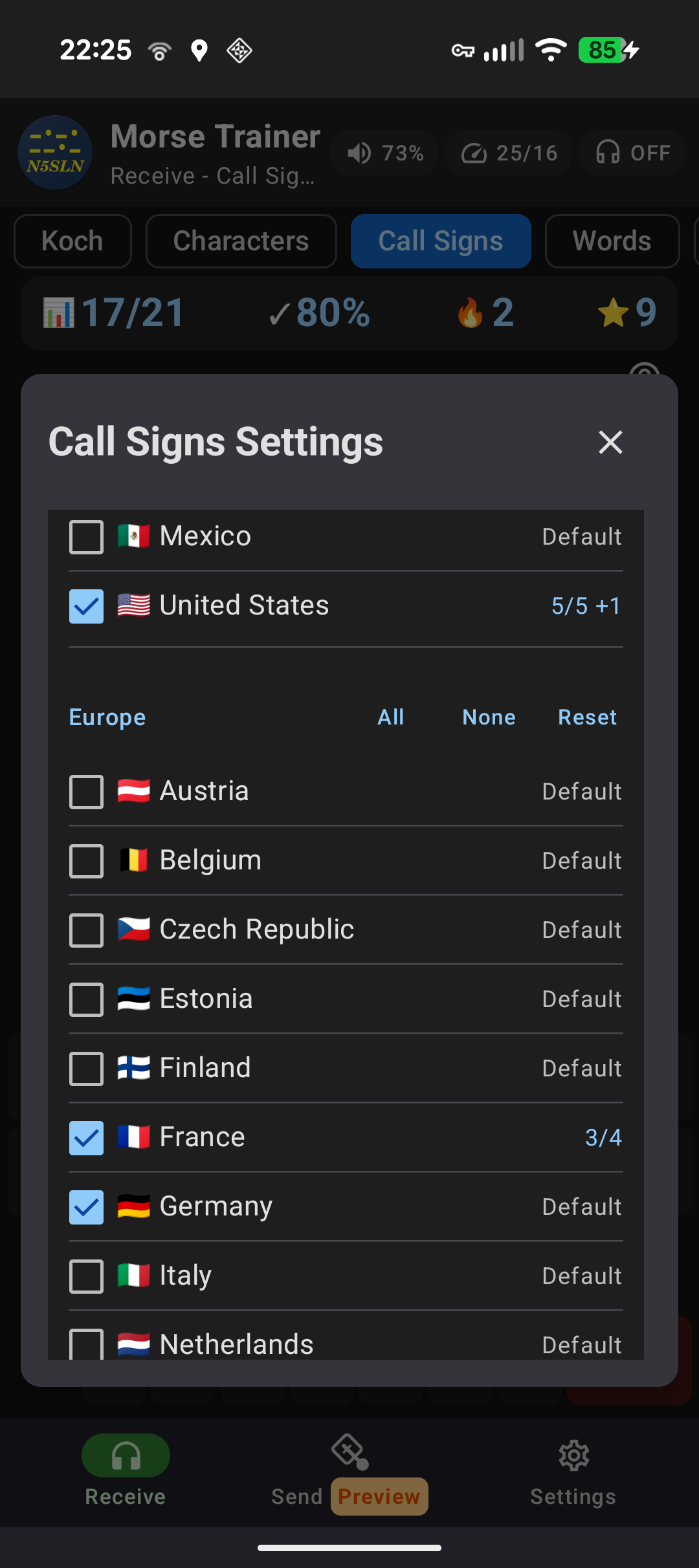
DX Country Selection
Choose specific countries and formats for call sign practice. Focus on the regions you're most likely to work. Full support for callsigns from 33 different countries.
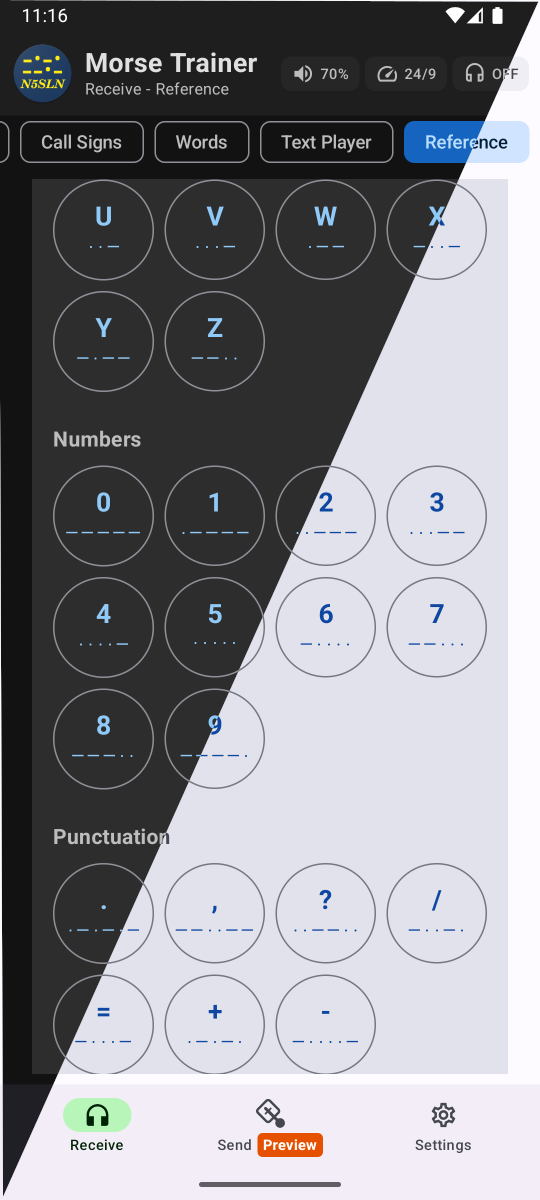
Light/Dark Theme
Choose between Light, Dark, or System default theme.
Adaptive Learning
Smart character selection focuses on your weak spots using spaced repetition. The app tracks your per-character accuracy and prioritizes characters that need more practice.
Customizable Tone
Adjust the sidetone frequency to match your preference. Find the pitch that works best for your ears.
100% Privacy
Completely offline. No data collection, no ads, no tracking. Your practice stats stay on your device and are never shared.
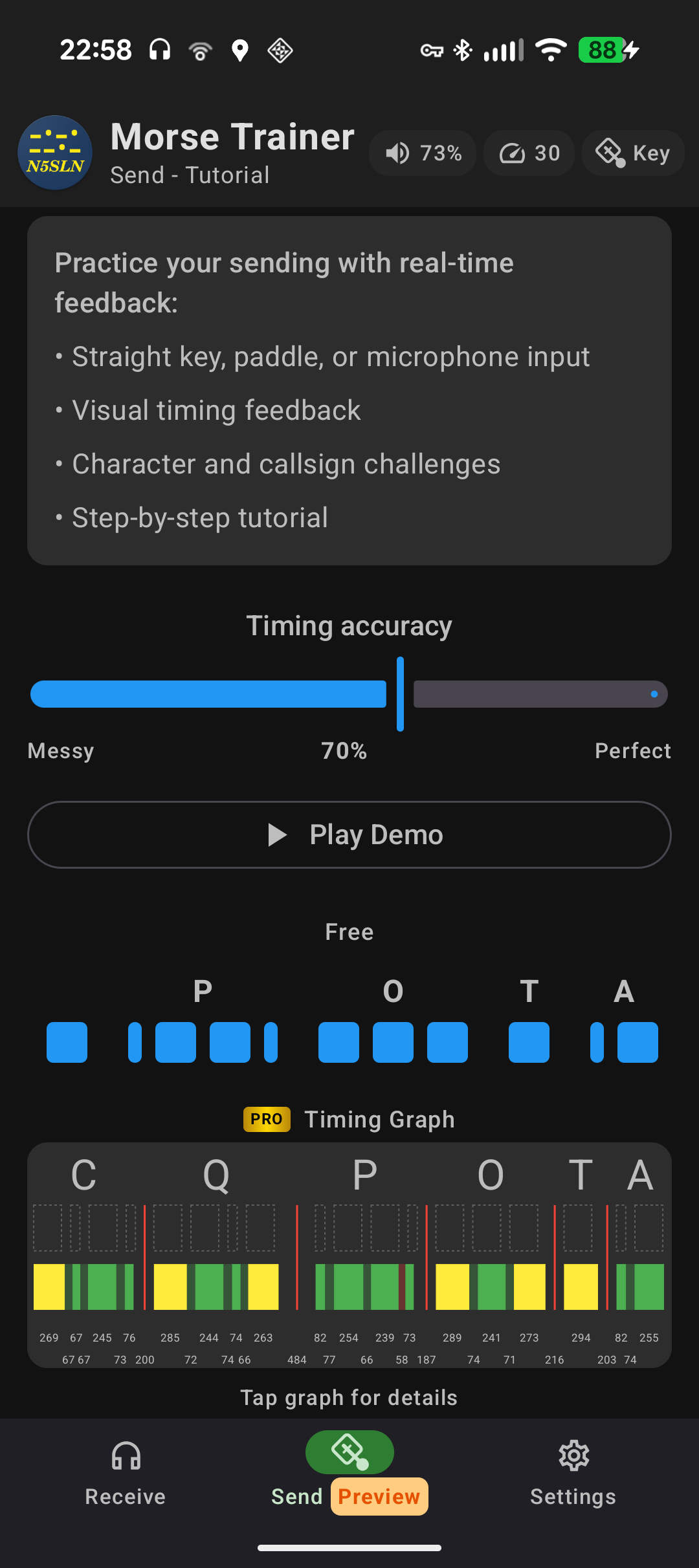
Sending Practice
Practise sending by first listening, then tapping the screen. Listen to a letter, call sign, or word, then copy as closely as you can and get instant feedback. Sending will work using an on-screen key or paddle. BETA testing in progress - sign up on this page.
PRO Features
PRO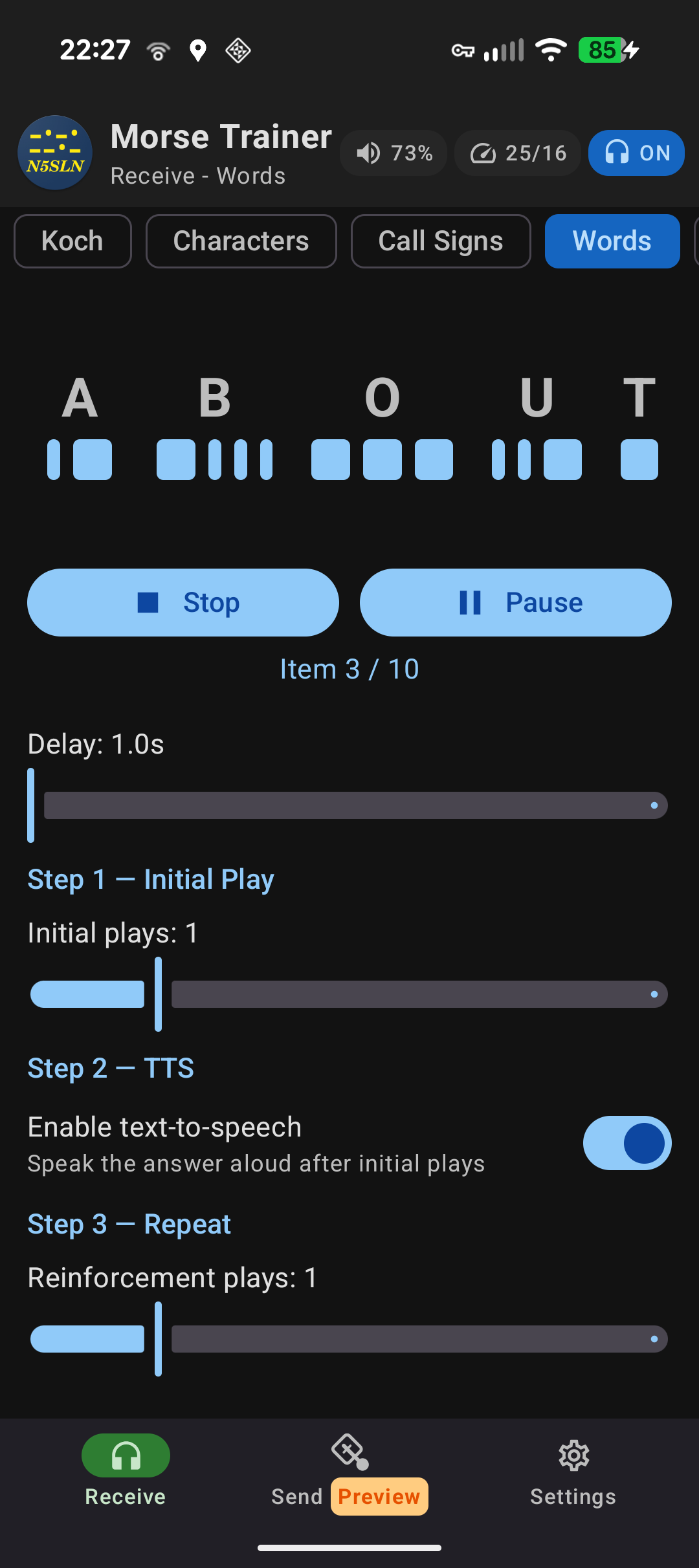
Head Copy Mode
Hands-free practice with spoken answers via text-to-speech. Supports Characters, Koch, Callsigns, Words, and QSO modes. Works with screen off.
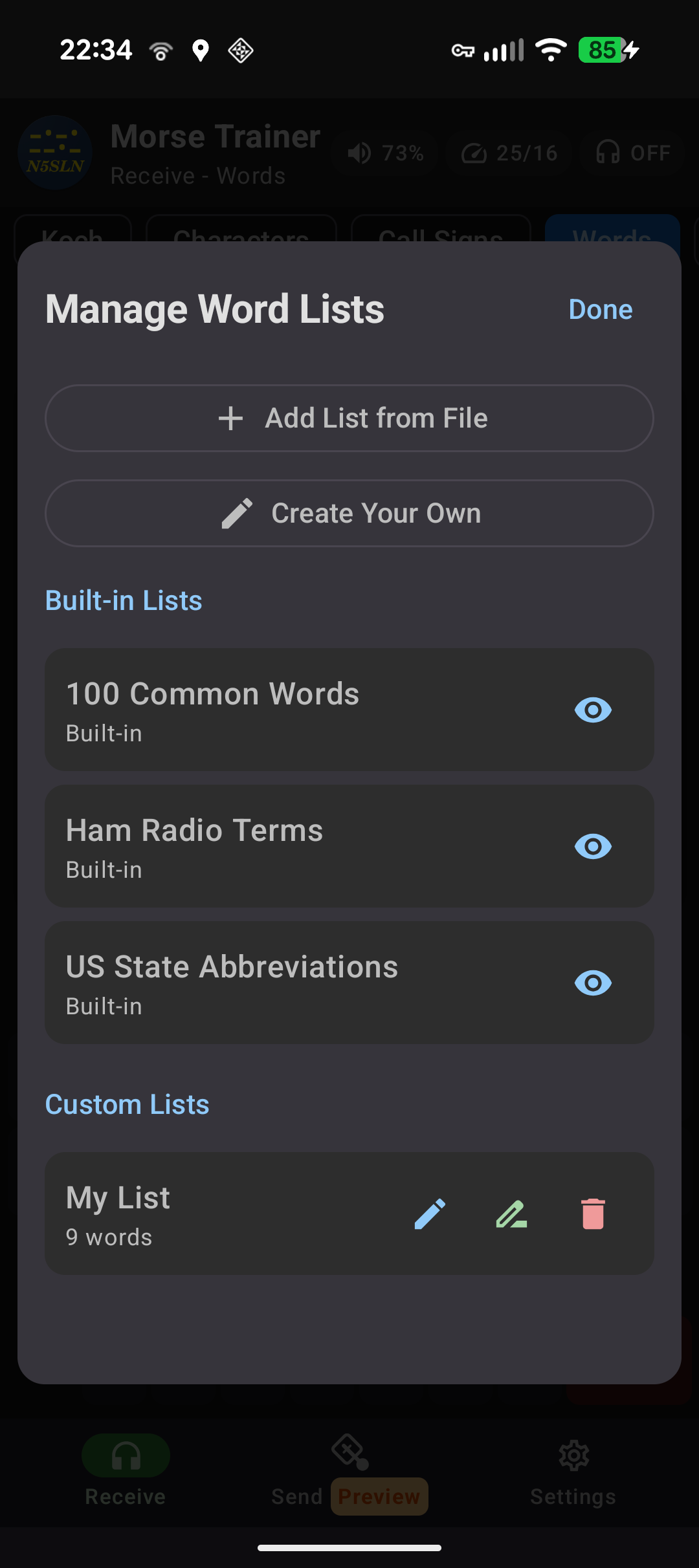
Custom Wordlists
Create your own custom word lists or import lists from text files.
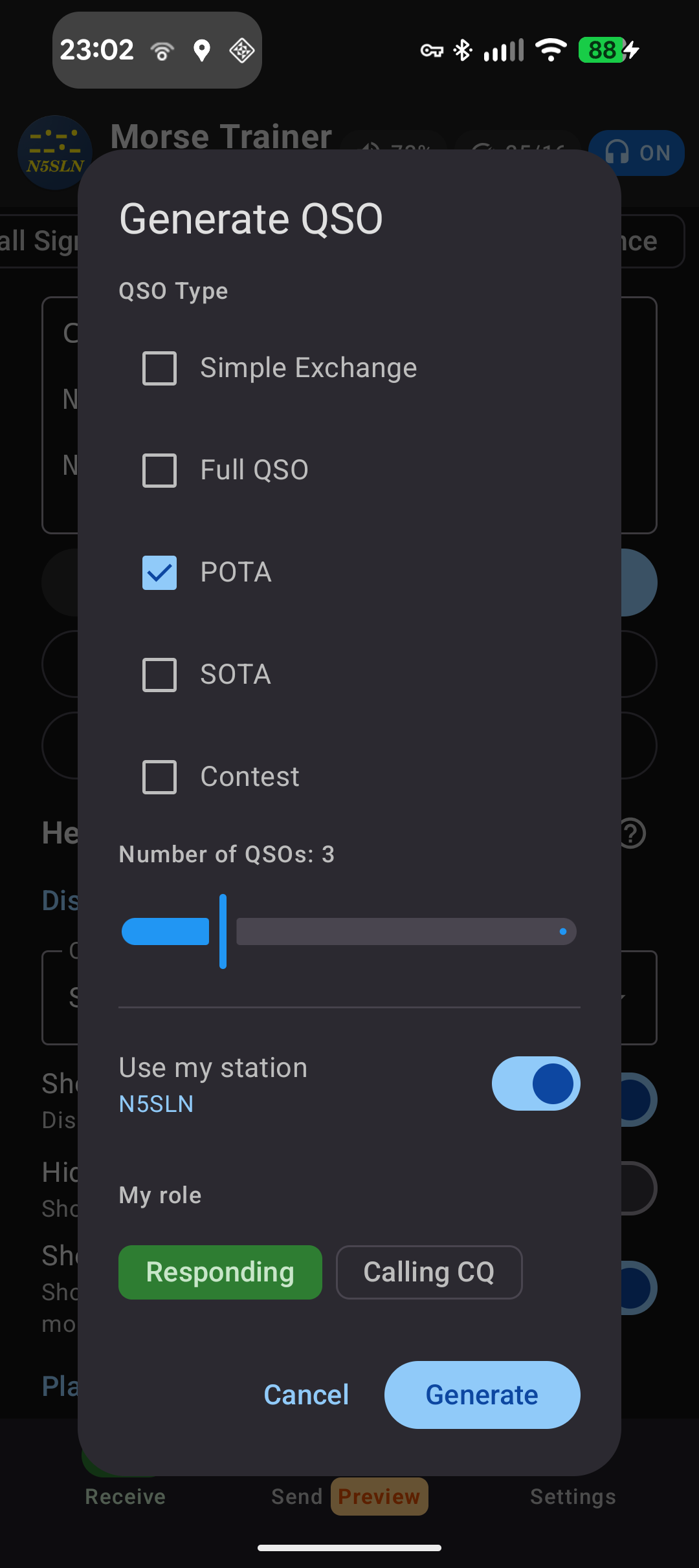
Extended QSO Generator
Generate realistic QSO conversations in the Text Player. The generator can create different types of QSOs, including Simple, Full, POTA, SOTA, and Contest formats for an endless variety of simulated exchanges.
Extended Speed Range
Practice at speeds up to 60 WPM for advanced operators looking to push their copying skills to the limit.
Custom Koch Order
Define your own character learning sequence instead of using the default order. Tailor the learning path to your needs.
Sending Tutorial
Full tutorial where you can practise dit/dah-length and proper spacing. Includes graphs that show your sending compared to perfect timing.
Use microphone as input for sending feedback
The app will accept input through the microphone, and provide detailed feedback using a graph that shows exact timing (+/- a few milliseconds). This will enable you to use your own key or paddle together with the side tone of your radio to work on improving your sending accuracy.
Roadmap
COMING SOONFeatures we're working on or considering for future releases:
PRO Features
PROPractice History
Track your practice sessions over time with a calendar view. See your streak and practice patterns.
Export Statistics
Export your progress data to CSV for external analysis or record keeping.
More Information
Version History
- Words mode: option to play the whole list before repeating
- Typed answer now coloured letter by letter, so mistakes stand out
- Custom word lists can be separated by spaces or line breaks
- Turkey callsigns (33 countries)
- Far more realistic QSO practice — POTA/park-to-park rebuilt, plus 3 new contest types (CQ WPX, NAQP, CWops CWT)
- Cut numbers (5NN), R/RR replies, BK endings, repeat requests
- Fixed the ARRL Sweepstakes exchange
- Clearer Head Copy speech — wider word spacing, and TU now reads "T U, thank you"
Bug Fixes:
- Startup crash reading saved settings
- Text Player showed two progress bars
- Trinidad & Tobago callsigns added (32 countries total)
- Personal best celebration — ⭐ stat briefly pulses when you beat your streak record
- Improved editing in Text Player and Text Head Copy — long-press paste, drag selection, hardware keyboard shortcuts, swipe typing
- Edit mode and cursor now survive screen rotatio
Bug Fixes:
- Fixed lost Koch unlock progress when closing the app immediately after an unlock
- Fixed rare crash starting head copy background audio
- Fixed false streak pulse when switching between mode tabs
Become a beta tester
BETASending Mode is now in beta. Want to try it — and other new N5SLN Morse Trainer features — before they're released? Sign up and we'll send you an invite.